Stefan Stefanov

You finish a match, pack up, and drive home. You know the forehand broke down in the second set, but you are not sure why. Nobody was watching. Nobody recorded it. And your next time on court will probably feel a lot like today.
With 27.3 million tennis players in the US as of 2025, and most without regular coaching, that experience is common. AI tools are changing it. A smartphone, a court, and the right app can now give you the match review that used to require a private coach. Below is a step-by-step guide showing how it works.
Key Takeaways
You can use your smartphone as a tennis video analysis tool with the right app.
AI can automatically extract individual points from a full match recording, saving you hours of video scrubbing.
Performance tracking over time helps you see patterns you would never notice on your own.
AI coaching feedback can supplement, not replace, working with a certified human coach.
Remote coaching through video clips makes expert feedback more affordable and accessible.
Reading about AI tools or watching tutorial videos cannot replace a certified coach who sees your real game while you actually play. A textbook forehand looks great in a drill. Your forehand during a pressure rally at 4-all in the third set is a different shot entirely. Technique only matters when it helps you control the ball to a target and win the point. Pairing performance insights from your actual matches with feedback from a real coach is where AI becomes most valuable.
Download Spintip , an app that can bridge that gap. Record your match, get AI insights on every point, and send clips to a certified coach for affordable, per-minute video feedback.
Why AI Matters for Everyday Tennis Players
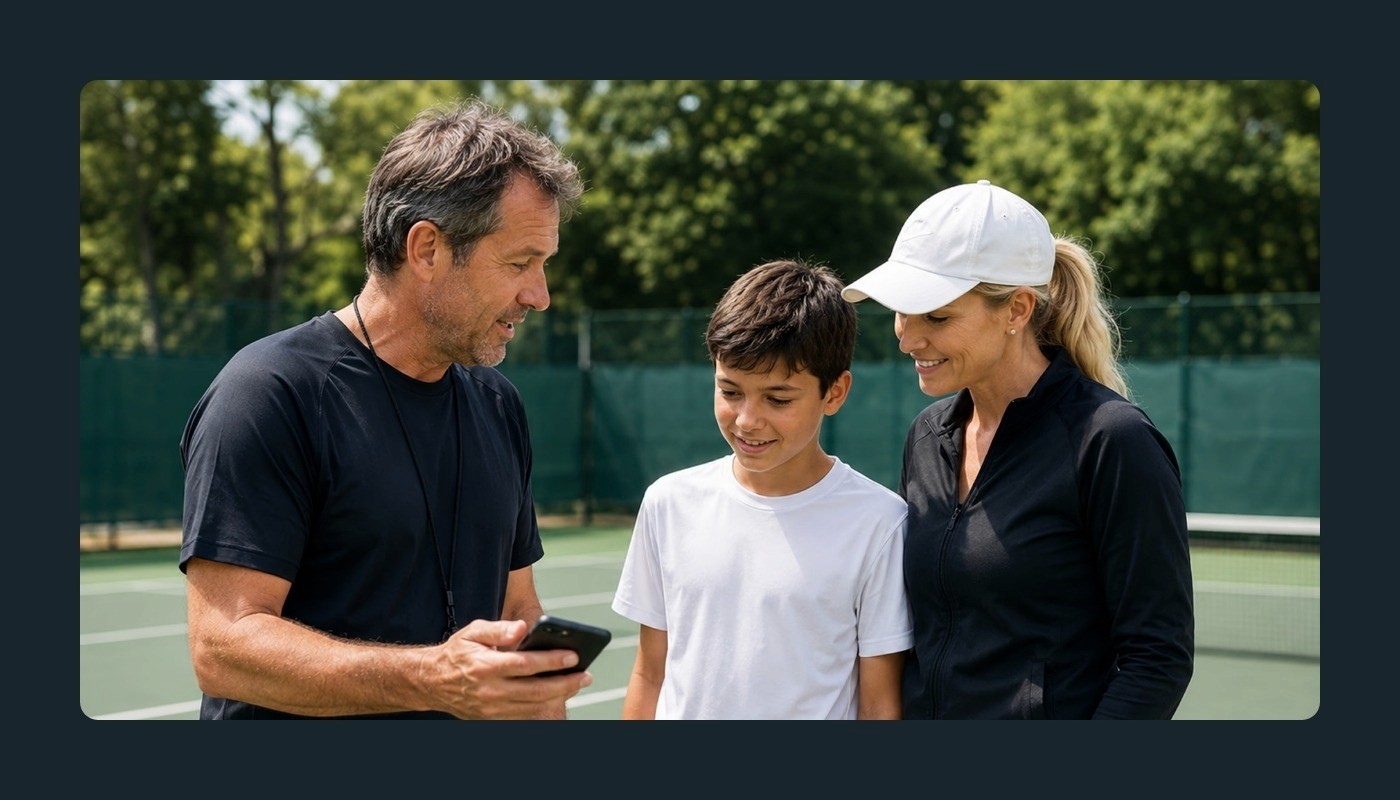
Tennis and technology have been linked for years. In 2025, Wimbledon replaced all 300 of its human line judges with AI-powered electronic line calling for the first time in 147 years. The bigger shift is that these AI tools are no longer limited to the pros.
The cost barrier is dropping
Private tennis lessons in the US typically run between $60 and $150 per hour. Most recreational players cannot afford that every week. AI-powered apps can give you a game review after every match for a fraction of that cost, or sometimes for free.
Video review used to be painful
Recording your match is easy. Watching two hours of raw footage to find the three points that matter? Not so much. Modern tennis match recording apps can automatically detect points, remove dead time, and let you swipe through just the action.
You get objective data, not guesswork
After a tough loss, you might think your serve was the problem. AI analysis might show that your serve was fine, but you were losing 70% of rallies longer than four shots. Data points you toward what actually needs work.
Step-by-Step: How To Use AI To Improve Your Tennis Game
You do not need any technical knowledge to use AI tennis tools. Most of the process happens automatically once you set things up.
Step 1: Record Your Matches With Your Phone
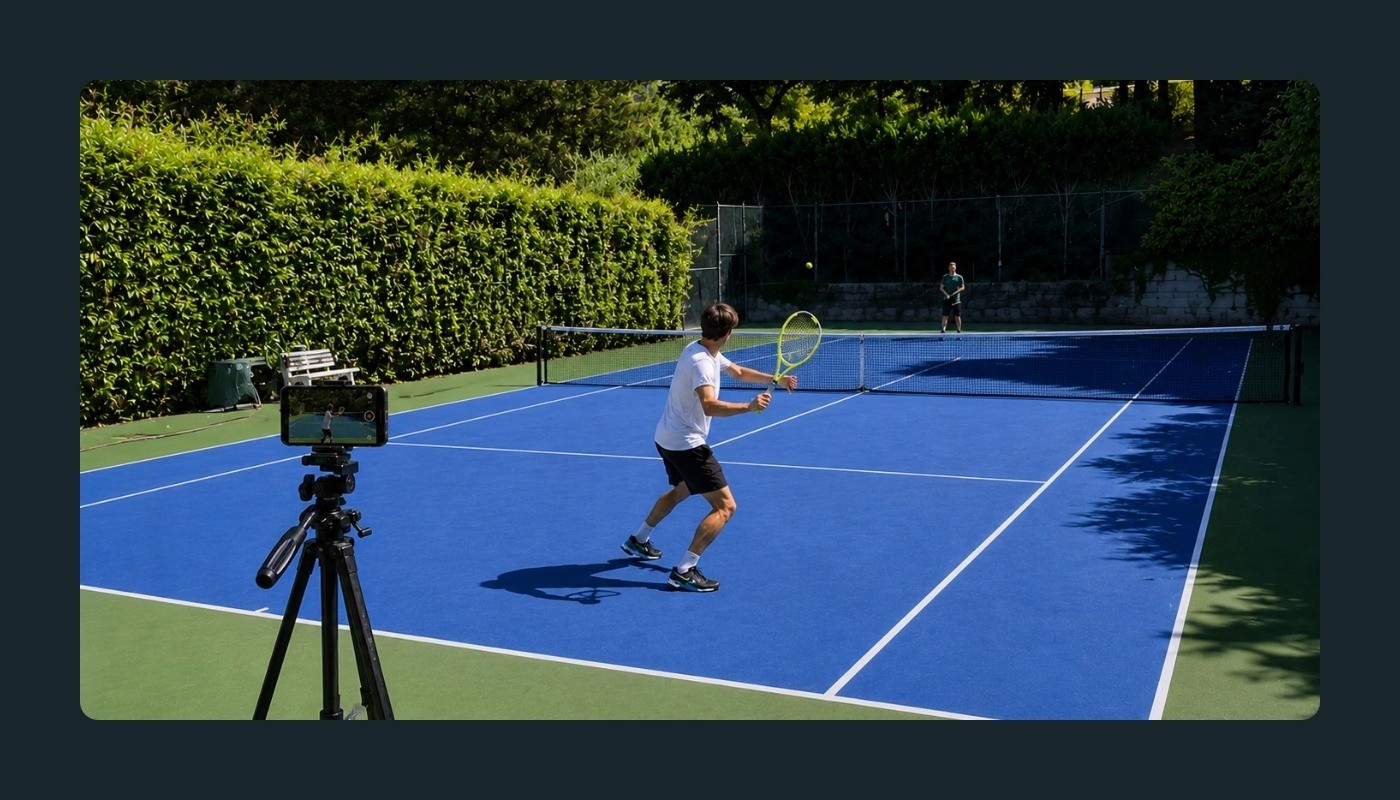
Every AI-powered improvement starts with video of you actually playing. Place your phone behind the baseline, roughly in line with the center mark, at about waist height in landscape orientation. Prop it on a fence, a water bottle, or a small tripod with the full court visible. Some apps use computer vision to auto-calibrate the court the moment recording starts, recognizing tennis or pickleball without any manual input. Once you press start, you do not need to touch the phone again.
Step 2: Let AI Extract Your Points Automatically
A typical singles match might last 60 to 90 minutes. Most players give up on rewatching after about 10 minutes, which means the useful moments get buried.
AI solves that by breaking your session into individual points. The technology identifies when a rally starts and ends, strips out the dead time, and gives you just the gameplay. With dead space removed, some apps cut review time by roughly 5x. Variable playback speed (up to 10x on some platforms) makes scanning even faster.
Step 3: Track Your Performance Over Time
One match review is helpful. A pattern across 10 matches is powerful.
Some AI tools assign a live performance number to each point, similar to an NTRP-style rating. That number feeds into a trend graph that shows whether your level is rising or falling during the match itself.
A performance tracking app can show you things like:
How your play changes against different opponents.
Whether you tend to play worse later in a match (a possible fitness issue).
Which areas of your game are improving and which are stalling.
Step 4: Get AI Coaching Insights
Some apps now offer AI coaching during and after your match. During play, you may see brief tactical pop-ups between points with cues like "recover to center" or "move your feet." After the session, the AI generates a summary of weaknesses with specific action items for your next practice.
Pattern recognition is where AI in tennis coaching works best. A human coach is still better at fixing technique, but pairing AI feedback with coaching creates a stronger improvement loop. The technology is continuously improving, so treat AI suggestions as starting points, not final answers.
Step 5: Review Points, Not Full Matches
Once AI extracts your points, the smartest approach is to review them with a specific focus rather than passively watching everything. Some video review apps let you swipe through points one at a time, saving highlights with a swipe up and discarding irrelevant points with a swipe down.
A few simple review strategies:
Watch every point you lost. Look for patterns: unforced errors, weak second serves, or poor net play.
Watch your service games only. Note first-serve percentage and placement.
Watch long rallies (five or more shots). Check whether you hold up tactically.
Even 10 minutes of targeted review can give you a clear picture of what to work on next.
Step 6: Share Clips With a Remote Coach
AI makes remote coaching practical. Instead of describing your problems over text, you can send a coach curated video clips with specific questions attached. Some platforms let you record a question directly into a video clip, and the question gets transcribed and inscribed as a subtitle in the footage. The coach sees your point and reads your question in one view.
Remote coaching through AI platforms also tends to be more affordable than in-person lessons. Pay-per-minute models mean you pay only for the time a coach spends reviewing your video.
Step 7: Use AI Insights To Build a Practice Plan
Data without action is just numbers on a screen. The last piece of the puzzle is turning what AI shows you into an actual practice plan.
If the AI shows you are losing most of your second-serve return points, drill those returns in your next session. If your performance score drops in the third set, add fitness work to your routine.
The loop of play, review, practice, and repeat is where real improvement happens. AI makes each step faster and more precise.
What AI Can and Cannot Do for Your Tennis Game
AI tools can help you see your game clearly. What they cannot do is adjust your grip mid-rally or read the emotional dynamics of a match the way a courtside coach can. Blogs, videos, and apps all have a role, but they work best alongside a certified coach who watches your live play. AI serves as the bridge to that coaching connection, giving you data and footage that make every lesson more productive.
Conclusion
AI has gone from a professional-only advantage to something any recreational player can use. From point extraction to performance tracking to remote coaching, these tools help you improve faster.
Spintip is a free tennis and pickleball camera app that puts these AI tools in one place. Place your phone behind the baseline, tap start, and go play. The app calibrates the court automatically, records your session with on-device AI, extracts every point, tracks your performance in real time with PULSE, and delivers a complete game review through VIEWPOINT.
SAGE, the continuously improving AI coach, delivers in-play tactical pop-ups and post-game action items to guide your practice. SHARE lets you export auto-cropped highlight clips to social media in one tap. And when you want expert human feedback, CONNECT links you to certified coaches worldwide for affordable, per-minute video analysis through ANALYZE.
Download Spintip and get your first game review after your next match.
Can AI really help a beginner improve at tennis?
Do I need expensive equipment to use AI for tennis?
Will AI replace my tennis coach?
How accurate is AI video analysis for tennis?
How much time do I need to spend reviewing AI data?

